Release 2026.35
Week 35 of 2026
This release brings performance review cycles, free-text "Other" answers in surveys, and a dedicated Integrations permission for IT teams. We also shipped web improvements across Documents, the timeline, chat and release notes, plus several fixes.
✨ General
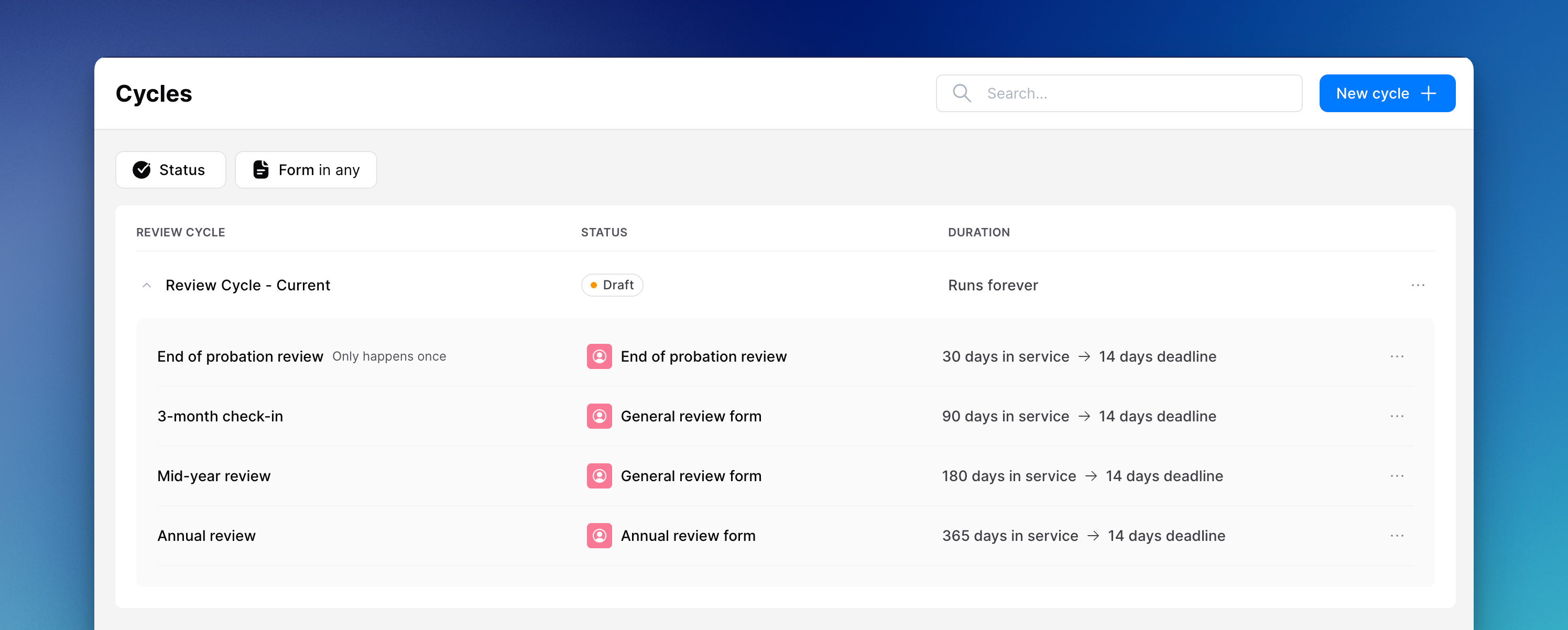
📊 Performance review cycles
Admins can now set up full review cycles with scheduled evaluation moments, and evaluations are created automatically when a moment is due. Managers can start and follow reviews from web and mobile. Cycles can be viewed, edited and managed from a dedicated overview, and linked moments are invalidated cleanly when their form is removed.
📋 "Other" answers in surveys
Surveys now support a free-text "Other" option on multiple-choice questions. Admins enable it per question, employees can type their own answer on web and mobile, and reporting shows those responses alongside the predefined options.
📄 Draft pages for community managers
Community managers can now see draft document pages in their community folders, matching what colleagues with full document management rights already had.
🤖 Larger documents for the AI assistant
The AI assistant can now process larger PDF documents without failing to index them, so more of your knowledge base is available in chat.
💻 Web
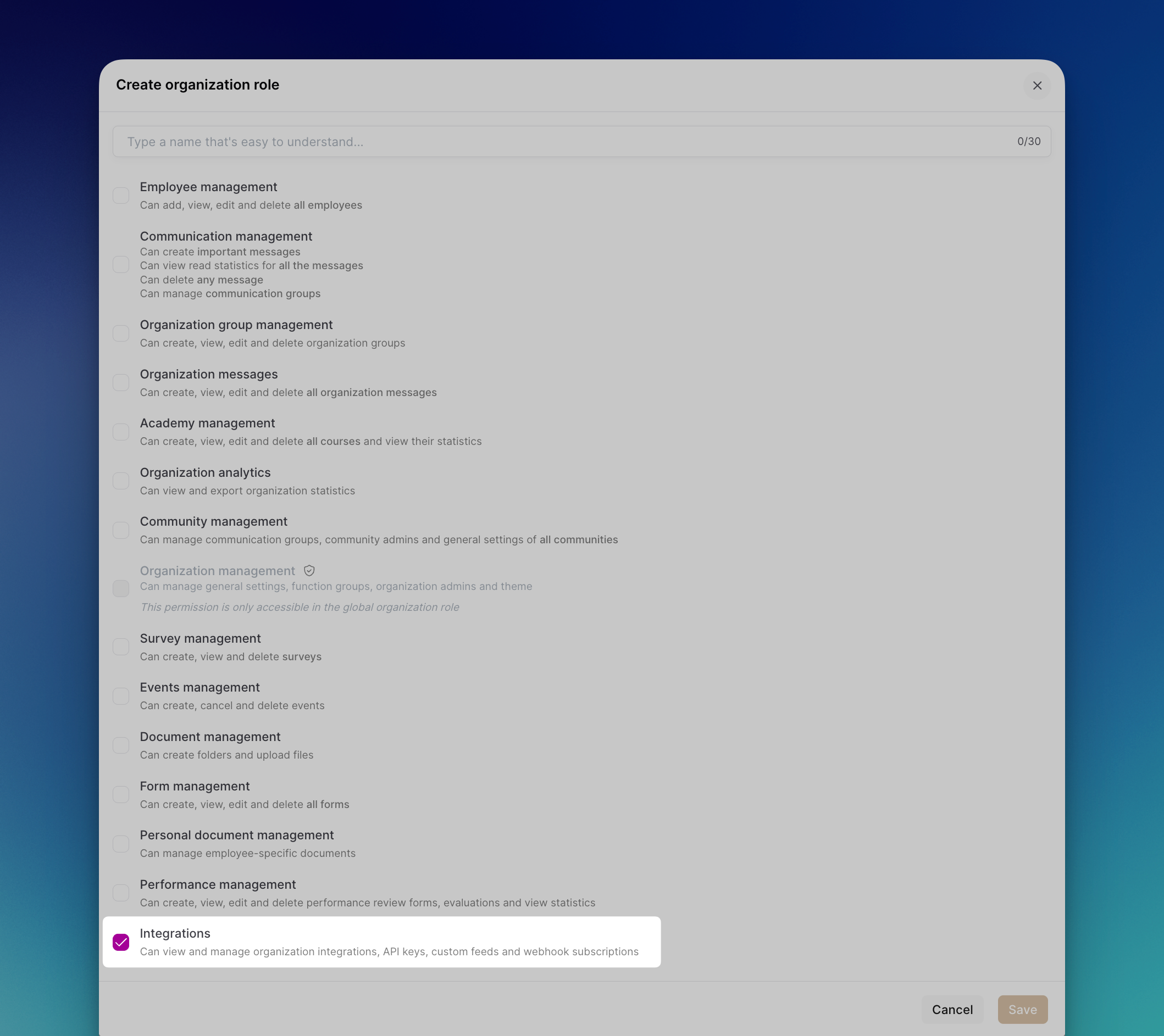
🔌 Integration management permissions
IT teams can manage organisation integrations, service accounts, custom feeds and webhooks without full superadmin access. A dedicated Integrations permission group can be assigned on custom roles.
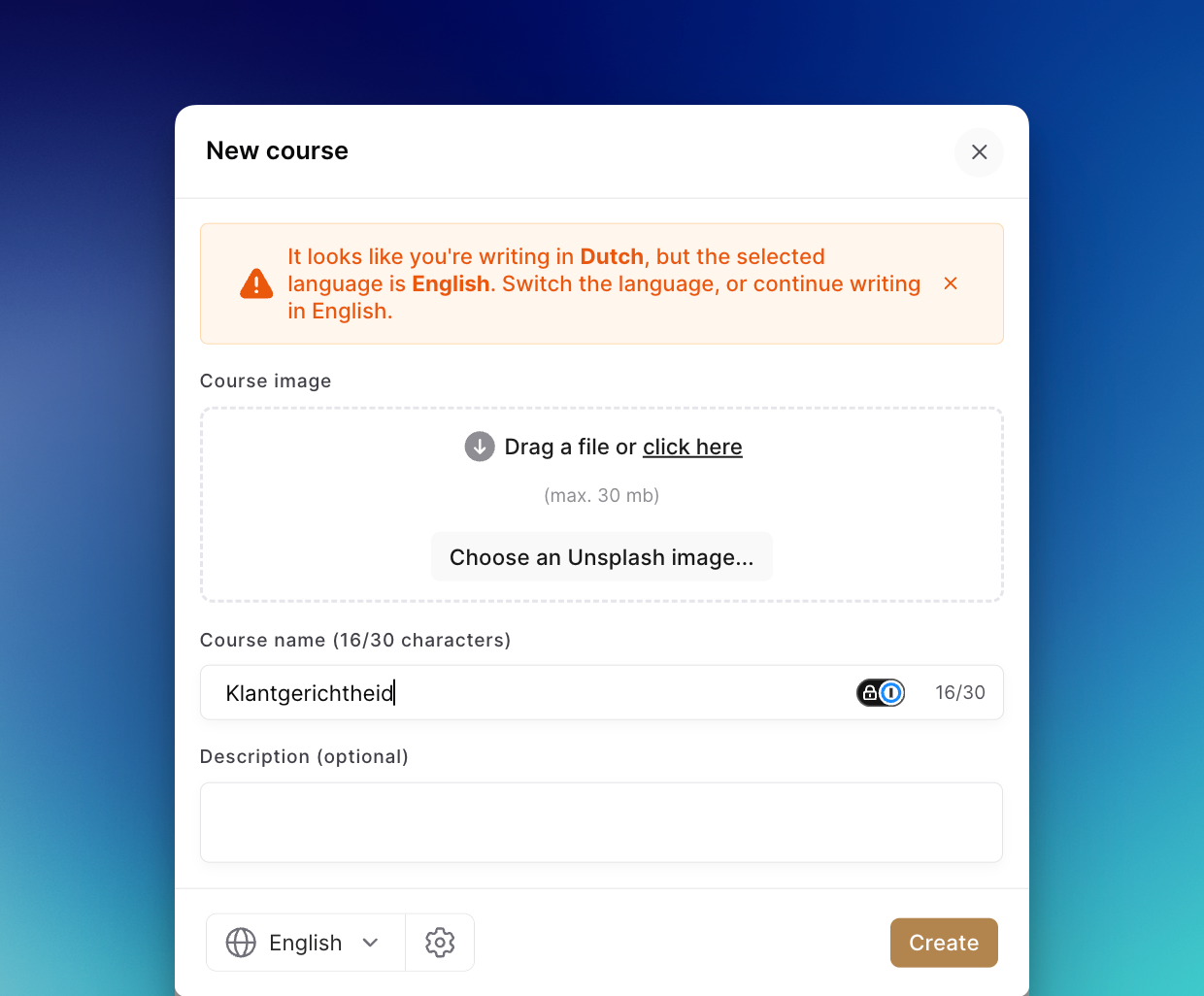
🎓 Smarter course language detection
When creating Academy course content, the platform now detects the language you are typing and saves the correct locale, which prevents mismatched translations later.
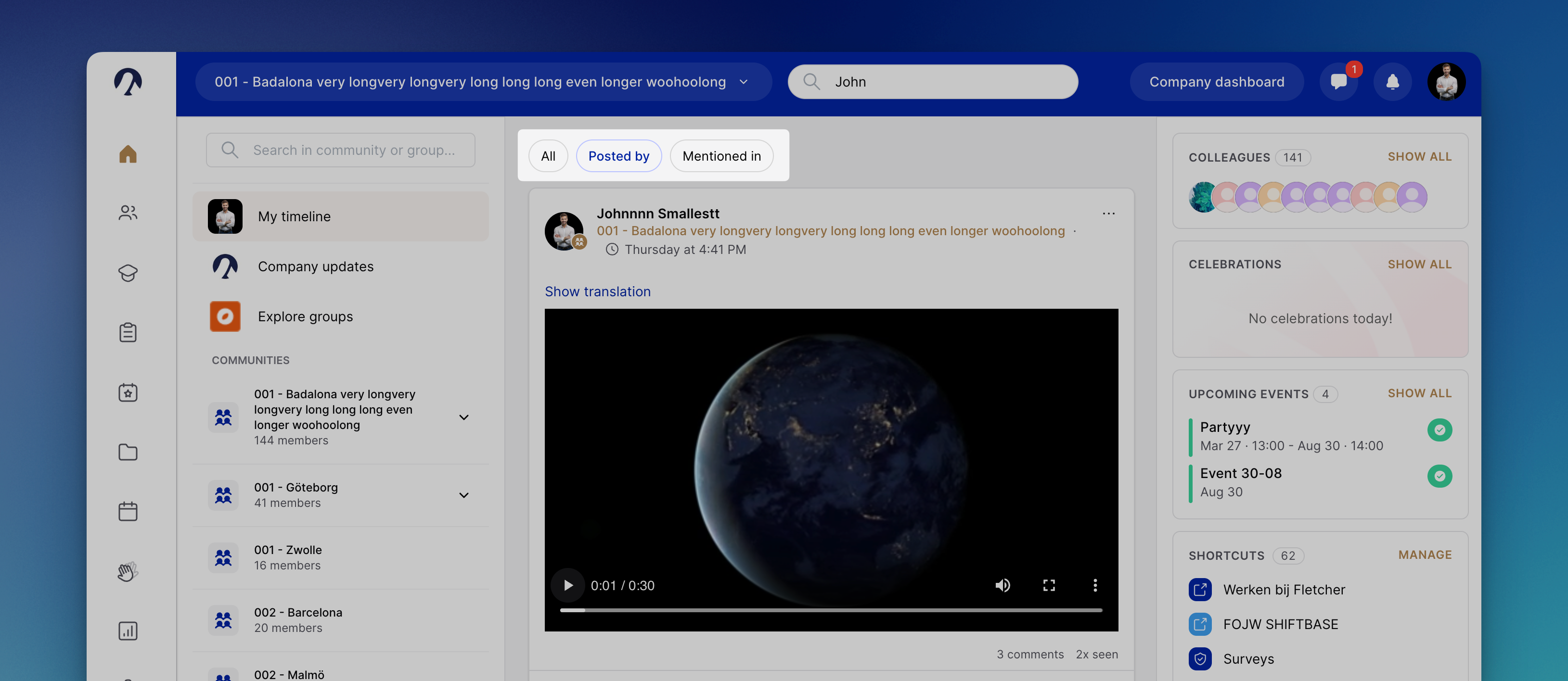
🔍 Timeline search filters
When searching the timeline by person, you can filter results to posts they wrote, posts that mention them, or both.
📈 Competency reports by community
In Performance review reports, the competency distribution table can now be grouped by community, so you can compare how ratings are spread across locations.
📎 Drag and drop attachments
You can drag files from your computer straight into the chat and timeline composers on web, with the same validation as the file picker.
💬 Clearer group chat invites
The add colleagues button in group chats is styled more clearly so it reads as an action, not another participant.
📰 What's new in the app
Release notes are now available from the Help menu and a changelog widget on web, so users can see what shipped without leaving Oneteam.
📊 Spreadsheet previews in Documents
Excel and CSV files in document management now open in an inline preview, similar to PDFs, including multi-sheet workbooks where supported.
📱 Mobile
📷 Photo picker improvements
We updated the Android photo and video picker to meet current Play Store requirements for whitelabel apps.
🔗 Strobbo app shortcut
Android users with a Strobbo integration can open the Strobbo app directly from their shortcuts.
🐛 Bug fixes
General
Fixed an error when sending a chat message with attachments that could drop the reply context.
Web
Fixed the community switcher search bar jumping while typing.
Fixed event titles that were unreadable in dark mode.
Fixed brand colours rendering darker than configured in light mode.
Fixed missing or double table borders in some rich text tables.
Fixed synced function memberships on a user profile where Set as primary was unavailable.
Mobile
Fixed Pillows Hotels QR codes on iPhone opening the App Store instead of the installed whitelabel app.